

Add group information to Keycloak UserInfo and tokens
Revised article
This is a revised version of an article originally published on larsolino.dev on January 15, 2025.
Group membership can help an application map authenticated users to application permissions. The application still needs to validate tokens and enforce its own authorization rules.
A client needs a group membership protocol mapper to expose memberships in its tokens or UserInfo response. This walkthrough originally used Keycloak 26.0.8; the screenshots show that version. The Keycloak mapper reference documents the group claim and full-path settings.
Add a customized mapper to your OIDC client
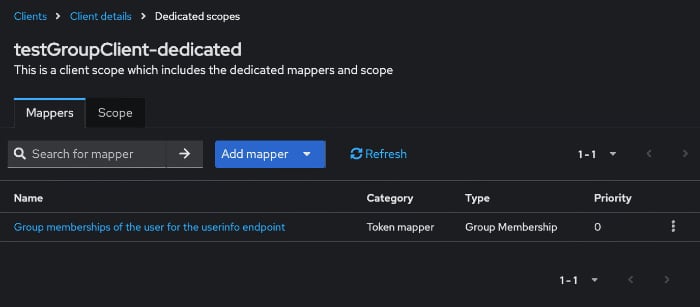
- Choose your OIDC client and click on the Client scopes tab. In the example below, testGroupClient-dedicated is the custom entry you should select.
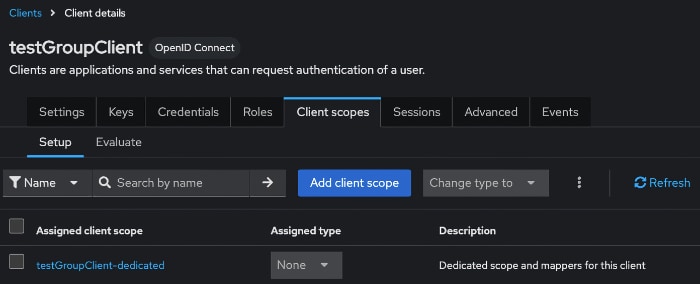
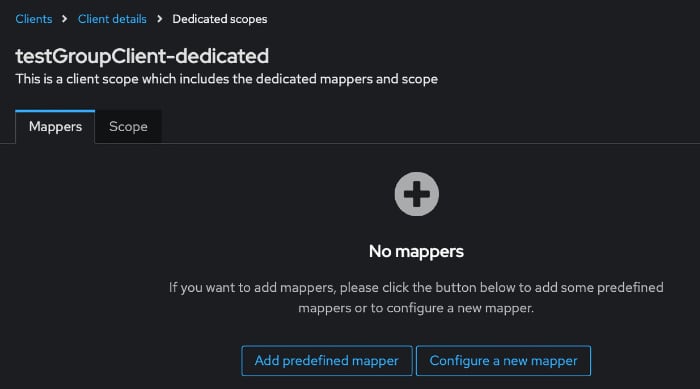
- Click Configure a new mapper.
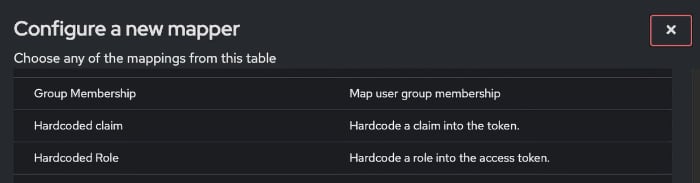
- Choose Group membership from the list.
- Add descriptive information and decide where to put group information.
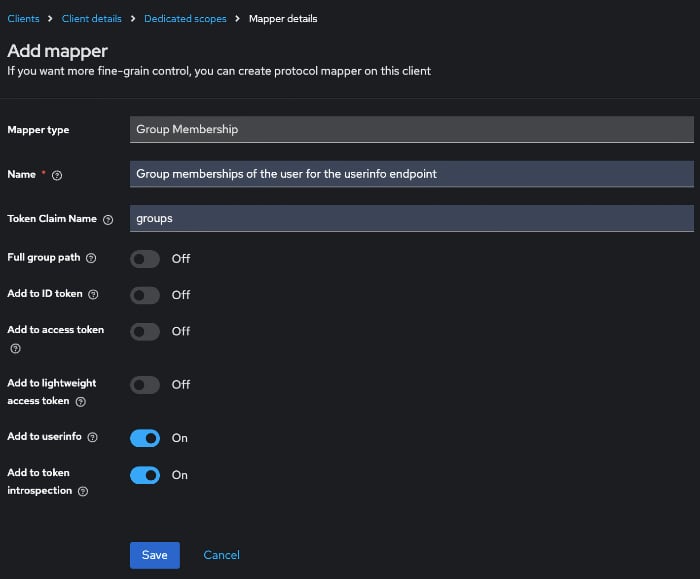
- Set Token Claim Name to
groups. - Turn Full group path off to emit short names such as
admins, as in this example. Keep it on when nested groups can share a name, so the application can distinguish/team-a/adminsfrom/team-b/admins. - Enable Add to ID token, Add to access token or Add to userinfo only for the places where the application needs the claim. This example enables UserInfo only.
- Save the mapper, and ensure the test user belongs to a group under Users → Groups. Creating a mapper does not assign group membership.
You can adjust the settings to suit your needs.
- Save the mapper. The client's dedicated scope applies to this client. For reuse across clients, put the mapper in a shared client scope and assign it as a default scope, or request it explicitly when it is optional.
Obtain a fresh access token for this client with the openid scope, then query UserInfo. Existing JWTs are not rewritten by a mapper change. A configured test user can return a response like this:
{
  "sub": "ce7ca1f2-218e-4e87-bff8-3dc0adfe206c",
  "email_verified": true,
  "name": "Siegurd Schnätterchen",
  "groups": [
    "admins"
  ],
  "preferred_username": "siegurd",
  "given_name": "Siegurd",
  "family_name": "Schnätterchen",
  "email": "[email protected]"
}
Please refer to Postman and the Keycloak UserInfo endpoint for further information on testing the configuration.
Do not confuse this groups claim with realm or client roles. Map those separately if the application needs them, and avoid emitting memberships that the client does not need.